How do I activate my eSIM?

Installation Steps
- Open Settings on your device.
- Select Mobile Networks or Manage eSIM.
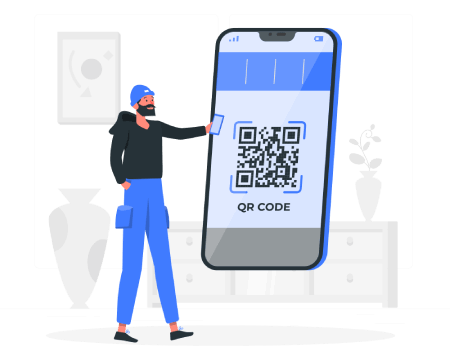
- Choose Add eSIM and scan the QR code.
- Follow the on-screen instructions to complete the installation.
- For iOS 17.4+, you can tap the QR to install automatically.
We recommend connecting to a stable Wi-Fi network for a smooth installation.
Install your eSIM
Easily activate your eSIM by scanning the QR code we provided. Just open your camera or QR scanner and follow the steps on screen. You'll be connected in seconds.
Manual Installation
If you can't scan the QR code, follow these steps to activate the eSIM manually:
For Android devices
- Open "Settings" on your device.
- Go to "Connections" or "Mobile Networks".
- Select "SIM Management" or "SIM Manager".
- Tap "Add eSIM" or "Add Mobile Plan".
- Select the option "Enter details manually".
-
Enter the following eSIM details:
- SM-DP+ Address (Activation server address).
- Activation Code (if required).
- Tap "Next" and wait for the device to download the eSIM profile.
- Once completed, restart the phone if needed.
- Check the activation in "Settings" → "SIM & Network".
For iOS devices
Option 1 (Automatic):
- Make sure you're connected to the Internet (Wi-Fi or mobile data).
- Open Safari on your device.
- Enter or click the activation link.
- Follow the on-screen instructions to install the eSIM.
Option 2 (Manual):
- Go to "Mobile Data" or "Cellular Network".
- Tap "Add eSIM".
- Select the option "Enter details manually".
-
Enter the following eSIM details:
- SM-DP+ Address (Activation server address).
- Activation Code (if required).
- Tap "Next" and wait for the device to download the eSIM profile.
- Once completed, restart the phone if needed.
- Check the activation in "Settings" → "Mobile Data".
Options may vary depending on your device model.

Activate your eSIM
Once installed, activate it when you arrive at your destination:
- Open Settings on your device.
- Select your eSIM
- Turn on Data Roaming.
- Wait a few minutes until it connects to the network.